Upload Your Image
Drag and drop an image or choose a supported file from your device.
Check if an image is AI-generated in seconds
Upload a photo, artwork, or other image to check for visual patterns associated with AI generation. Unfox AI Image Detector analyzes the image and gives you a clear probability-based result to help you assess whether it is likely AI-generated or human-created.
or Upload an Image
Supports JPG, JPEG, PNG, WebP, AVIF, and HEIC
Upload an image and run a check to see the AI detection result.
Check whether an image is AI-generated in three simple steps. No technical knowledge is required.
Drag and drop an image or choose a supported file from your device.
Start the scan and Unfox analyzes visual patterns associated with AI-generated images.
View a probability-based result showing whether the image is more likely AI-generated or human-created.
Check images created by widely used AI image generators. Unfox analyzes generation patterns associated with different models to help identify whether an image is likely AI-generated.
Unfox combines AI image probability with source trace analysis to give you more context behind each result. Review the overall classification, compare AI and real-photo scores, and check for available source or content credentials.
See how strongly the image matches patterns associated with AI-generated content compared with real photography. The scores reflect the detector’s assessment rather than absolute proof of origin.
Check for available signals linked to AI generators, content credentials, generation parameters, and image editing. Source traces provide additional context and do not determine the final detection result on their own.
Download your detection result for easier review, documentation, or sharing. Use the report as supporting information rather than the sole basis for formal decisions.
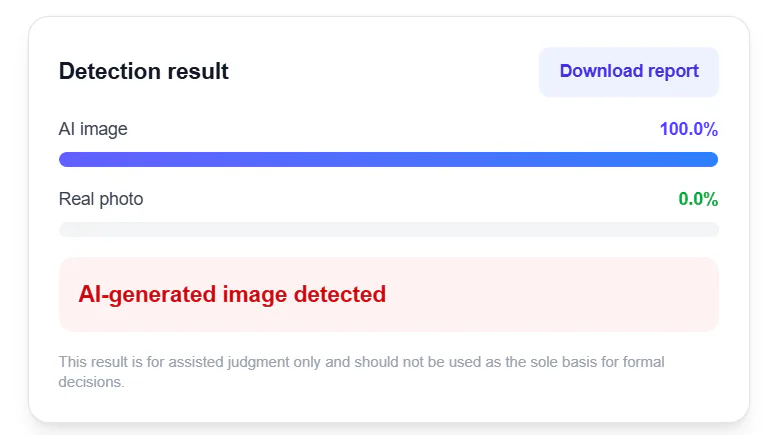
An AI image detector analyzes visual signals to assess whether an image is likely AI-generated or a real photo. Unfox combines AI-based image analysis with source trace checks to provide a probability-based result with additional context about the image.
AI detection process
Input
Visual signals
Output
Probability + context
Unfox analyzes visual patterns associated with AI-generated and real images, then compares those signals to estimate the likelihood that an image was created with AI.
Get a clear probability comparison between AI-generated content and real photography instead of relying on a simple yes-or-no classification.
Check for available traces associated with C2PA Content Credentials, AI generators, image editing, and embedded generation parameters to better understand an image’s possible source.
Unfox checks for available source signals associated with tools such as DALL·E, Gemini, Midjourney, Stable Diffusion, Flux, and Adobe Firefly.
Analyze multiple images more efficiently when you need to review larger volumes of visual content.
Unfox helps creators, professionals, and everyday users check visual content for signs of AI generation across different real-world scenarios.
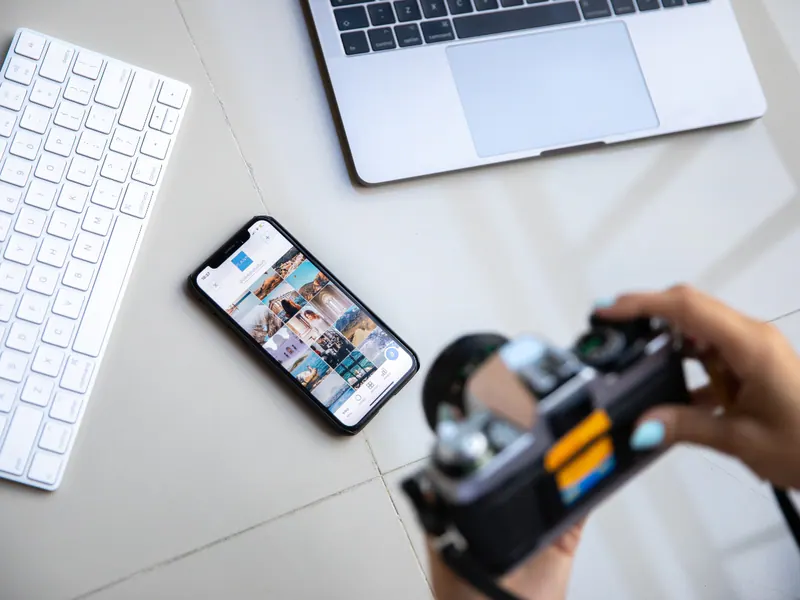
Check images before publishing to better understand whether source material may be AI-generated.

Review reference images, client assets, and design materials for signs of AI-generated content.

Check digital artwork and illustrations when the original creation method is unclear.
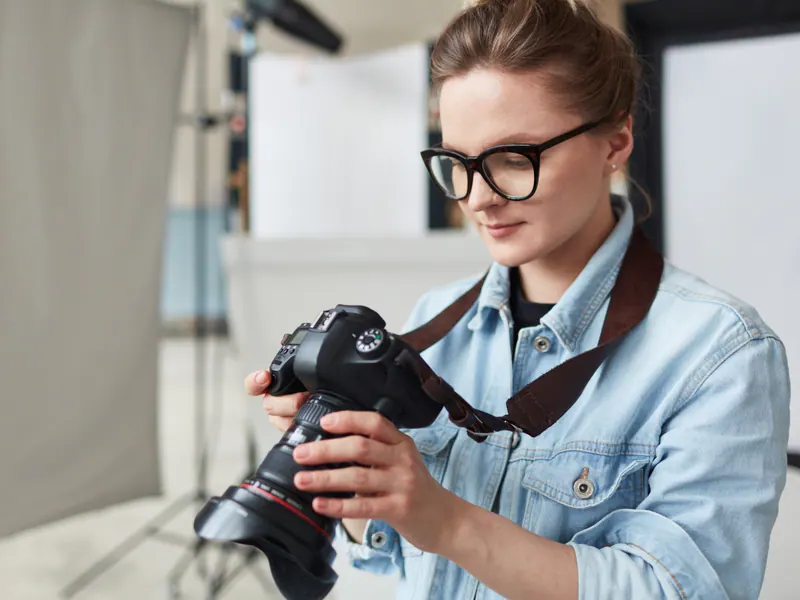
Analyze suspicious photos to assess whether they are more likely AI-generated or captured by a camera.
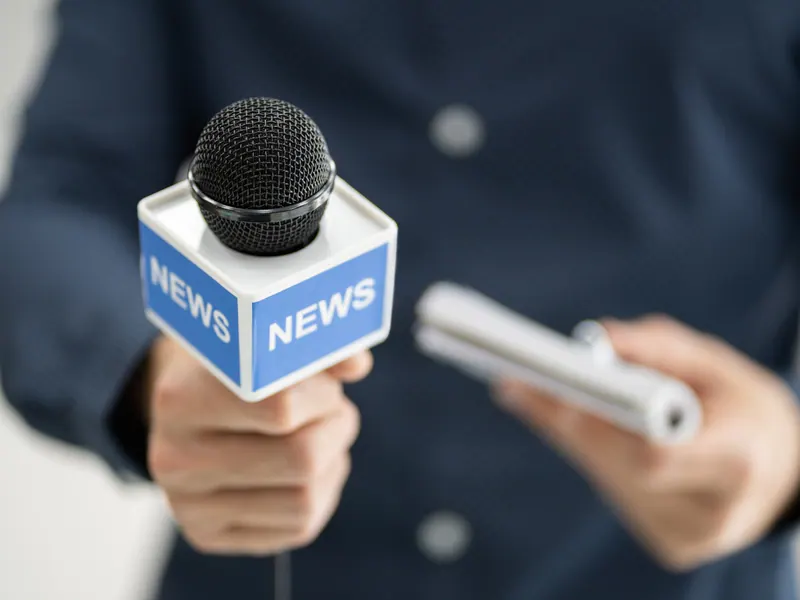
Screen news photos and submitted visuals for possible AI generation before publication.
Review visual assignments and creative projects when AI-generated content may have been used.

Check online images and research materials before using them in assignments or presentations.

Analyze image datasets and visual samples when studying AI-generated media and synthetic content.

Review product photos and marketplace images to identify potentially AI-generated visuals.
Check campaign creatives, advertising images, and third-party assets before using them in marketing.
Screen user-uploaded images for potential AI-generated content during content review.
Check suspicious photos, profile images, and viral posts before trusting or sharing them.
Some images deserve a closer look because their authenticity can affect trust, attribution, or publishing decisions. Unfox can help screen these common image types for signs of AI generation or editing.

Check suspicious profile photos and avatars that may use AI-generated faces to create fake or misleading online identities.

Screen photos of IDs, certificates, and other documents for potential signs of AI generation or image editing.

Review images tied to breaking news, public events, or viral claims before relying on or publishing them.

Check marketplace listings and promotional photos when a product image looks unusually polished, unrealistic, or potentially AI-generated.

Analyze viral posts, screenshots, and shared photos when the original source or creation method is unclear.

Review illustrations and digital artwork when you need more context about whether generative AI may have been involved.

Check property and interior images that may contain AI-generated rooms, virtual staging, or heavily altered visual elements.

Screen receipts, invoices, and payment screenshots for potential AI-generated or edited visual content before further review.
Accuracy & responsible use
AI image detection is not an absolute test of image origin. Results can vary depending on the image, generator, editing history, and available visual or source signals, so Unfox results are best used as supporting evidence.
Heavy compression, low resolution, repeated screenshots, or significant resizing can remove or alter signals used during detection.
Cropping, filters, retouching, and other edits may change patterns associated with the original AI-generated or real image.
Images that combine real photography with AI-generated or AI-edited elements can produce less certain or mixed detection signals.
New image generators and model updates can create visual patterns that differ from those seen in previously analyzed AI-generated images.
Use the probability score and source trace together with the image’s source and context rather than treating a single detection result as definitive proof.
Your images may contain personal, creative, or confidential information. Unfox is designed to keep image detection focused on analysis while minimizing unnecessary use of uploaded content.
Uploaded images are processed securely during AI image detection to help protect your content throughout the analysis.
Check personal photos, creative work, documents, and other visual content with privacy in mind.
We aim to make it clear how uploaded images are processed, stored, and handled so you can understand what happens to your content.
Whether you analyze one image or use batch detection, the same privacy principles apply throughout the detection process.
AI-generated content goes beyond images. Explore more Unfox tools to check AI-generated voice and text, improve AI-assisted writing, and manage AI model usage.
Analyze text for patterns associated with AI-generated writing and get a clear probability-based detection result.
Check AI TextRefine AI-generated text to make it sound more natural, readable, and better suited to your intended audience.
Humanize AI TextCount tokens, words, and characters in prompts, code, documents, and multilingual text.
Calculate TokensAnalyze audio for signs of AI-generated or synthetic speech and get a probability-based assessment of whether a voice may be AI-created.
Check AI VoiceUpload JPG, JPEG, PNG, WebP, AVIF, or HEIC images for analysis.
Check a single supported image up to 10MB in the online detector.
Review the probability result together with available source-trace information.
Results distinguish AI-generated, real-photo, and mixed visual signals.
AI image detector accuracy varies by image type, AI generator, image quality, and editing history. Unfox provides a probability-based assessment, so the result should be considered alongside source traces and other available context rather than treated as absolute proof.
AI image detection can identify patterns associated with images from popular generators such as Midjourney, DALL·E, Gemini, and Stable Diffusion. Detection confidence can vary between models and versions, especially as image generators continue to evolve.
Yes, you can check screenshots, but screenshotting may remove metadata and alter visual signals through resizing or compression. For better AI image detection results, use the original image whenever possible.
It can still analyze edited or compressed images, but cropping, filters, retouching, resizing, and heavy compression may affect the signals used for detection. This can make some results less certain.
Not necessarily. AI photo detection can analyze visual patterns even when metadata is unavailable, while available source traces such as content credentials, generator information, or embedded parameters can provide additional context. Missing metadata alone does not mean an image was AI-generated.
The score represents how strongly the analyzed image matches patterns associated with AI-generated or real images. For example, a higher AI probability indicates stronger AI-related signals, but it does not prove who created the image or which tool was used.
Yes. AI image detectors can produce false positives or false negatives, particularly with heavily edited images, screenshots, mixed AI and real content, or outputs from newer generators. Use detection as a supporting signal and verify important images with additional evidence. Independent testing has also documented false positives and reduced performance after image transformations.
You can start checking images with the Unfox AI Image Detector online. For higher-volume detection and additional features, choose the option that best fits your usage needs.
Use the AI Image Detector to compare probability signals and any available source traces before making a judgment.
No credit card required. Upload and detect in seconds.