
AI-generated voices can sometimes be detected, but robotic delivery is no longer a dependable giveaway. Modern voice-cloning systems can reproduce accents, emotions, speech patterns, and the recognizable tone of a real person.
A more reliable approach combines careful listening, source verification, identity checks, and an AI voice detector. Each method provides useful evidence, but no single signal can confirm that a voice is synthetic.
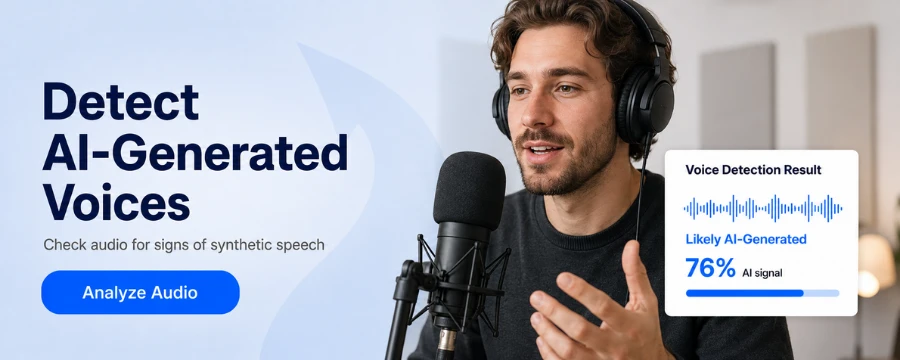
Can You Detect an AI-Generated Voice?
Older text-to-speech systems often sounded mechanical and poorly timed. Modern AI-generated speech can sound natural enough to mislead an attentive listener.
A 2025 Scientific Reports study involving more than 200 speaker identities found that participants could not consistently identify AI-generated voice clones. They identified generated voices correctly only about 60 percent of the time under the study conditions.
This does not mean detection is impossible. It means that listening alone is not consistently reliable, especially when the recording is short, compressed, or produced by a newer voice model.
Quick Signs That a Voice May Be AI-Generated
Use these signs as reasons to investigate further, not as proof.
| Signal | What You May Notice | Possible Alternative Explanation |
|---|---|---|
| Unnatural pacing | Pauses appear in unusual places | The speaker may be nervous or reading |
| Mismatched emotion | The tone does not fit the message | People react differently under stress |
| Inconsistent pronunciation | Names or uncommon words change between sentences | Human speakers also make mistakes |
| Excessive smoothness | Few breaths or mouth sounds are audible | Noise reduction may remove these details |
| Voice instability | Pitch, accent, or volume changes suddenly | Compression or editing can cause similar changes |
| Repeated rhythm | Several sentences follow nearly identical patterns | Scripted human speech can also sound repetitive |
Several related warning signs are more meaningful than one isolated irregularity.
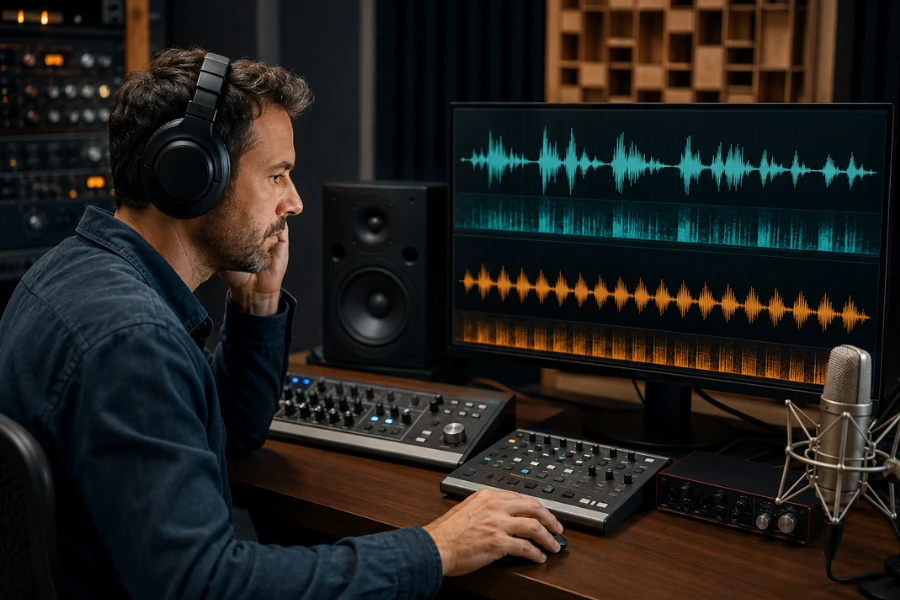
How to Detect AI-Generated Voices Step by Step
Step 1 — Listen for Unnatural Rhythm and Pauses
Focus on how the words are delivered, not only on whether the voice sounds human.
Synthetic speech may pause in the middle of a natural phrase, rush through complex wording, or maintain the same pace across an entire recording. Stress may also fall on words that are not important to the meaning.
Listen for:
- Pauses in unexpected places
- Repeated timing across different sentences
- Little change in speed during emotional passages
- Awkward emphasis
- Abrupt sentence endings
These patterns can also occur when someone reads from a script or speaks in a second language. Treat them as initial clues.
Step 2 — Check Breathing and Vocal Details
Human speech commonly includes breathing, swallowing, hesitation, lip noise, and changes in vocal effort. These details normally fit the length and emotion of a sentence.
A suspicious voice may deliver a long passage without taking a believable breath. It may also insert breath sounds at unnatural moments or repeat similar mouth noises.
However, modern AI models can generate breathing, while editing can remove it from a genuine recording. Instead of checking whether a breath exists, consider whether it fits the surrounding speech.
Step 3 — Compare the Emotion With the Message
Listen for a mismatch between the words and the physical delivery.
Someone describing an emergency may speak faster, hesitate, breathe more deeply, or lose control of their volume. An AI voice might reproduce a worried tone without the timing and breathing changes that usually accompany genuine distress.
Other possible inconsistencies include laughter that ends abruptly, sadness without vocal variation, or anger expressed at a perfectly stable volume.
Emotion is highly personal, so this remains a supporting signal rather than definitive evidence.
Step 4 — Check Pronunciation and Consistency
AI-generated speech may struggle with names, abbreviations, numbers, technical terms, and words borrowed from another language.
Listen across the whole recording for:
- A name pronounced differently more than once
- An accent that appears and disappears
- Sudden changes in pitch or vocal texture
- Numbers grouped in an unusual way
- Abbreviations blended into unfamiliar words
- Changes in volume without an obvious cause
Poor connections and audio conversion may create some of these problems. Whenever possible, examine the original file instead of a social media copy.
Step 5 — Investigate the Source
The origin of the recording may reveal more than the sound itself.
Check who first published it, whether the account is credible, and whether the complete recording is available. A short clip from an anonymous account deserves more caution than original audio provided by a verified source.
Also consider whether the file has been cut, rearranged, or presented without context. Genuine human speech can still be edited into a misleading recording.
If the message demands urgent payment, confidential information, or account credentials, treat that request as a security warning regardless of how convincing the voice sounds.
Step 6 — Compare It With Verified Audio
When a recording appears to imitate a known person, compare it with audio from reliable sources.
Look beyond basic vocal similarity. Consider the speaker’s usual pace, accent, pronunciation, preferred expressions, and response style. A clone may reproduce tone and pitch while missing personal speech habits.
Keep in mind that real voices vary with age, health, emotion, equipment, and environment. Similarity does not prove identity, while a small difference does not prove manipulation.
Step 7 — Use an AI Voice Detector
An AI voice detector can analyze patterns that may be difficult to hear. It provides another layer of information when checking suspicious audio or potential deepfake speech.
A practical process includes:
- Find the clearest and most original recording
- Avoid editing or converting the file unnecessarily
- Upload it to an AI voice detection tool
- Review the classification or probability shown
- Compare the result with the source and listening checks
- Verify the speaker independently when the decision matters
Unfox AI Voice Detector can help assess whether an audio sample contains signals associated with synthetic speech. Its output should support your investigation rather than replace contextual evidence.
Different tools may produce different results because they use different models, training data, and thresholds. This is one useful signal, rather than conclusive proof.
What Do AI Voice Detectors Analyze?
Depending on the system, a synthetic voice detector may examine:
- Frequency and spectral patterns
- Pitch movement
- Speech timing
- Pronunciation consistency
- Transitions between sounds
- Prosody and emotional variation
- Acoustic artifacts
- Patterns associated with voice generation models
The detector compares these signals with patterns learned from real and generated audio. It then estimates which category the sample more closely resembles.
This is a probabilistic assessment. A high synthetic score does not independently prove how the file was created, just as a human classification does not guarantee authenticity.
Why AI Voice Detection Can Be Difficult
Detection performance depends on both the voice model and the recording.
Short Clips
Very short audio contains fewer speech patterns to examine. A word or single sentence may not provide enough information for a stable result.
Noise and Compression
Background sounds can hide useful acoustic details. Phone calls, messaging apps, and social platforms also compress audio, removing information and introducing new artifacts.
Editing
Noise reduction, speed changes, pitch adjustment, equalization, and repeated exporting can alter both real and synthetic audio. These changes make the original signal harder to evaluate.
Language and Accent
Results can depend on whether a detector was trained with sufficient examples of a particular language, regional accent, or speaking style.
New Voice Models
A detector may perform differently when it encounters an unfamiliar generation method. This can contribute to false positives and false negatives.
What to Do If a Voice Seems Fake
When a suspicious caller asks for money, passwords, verification codes, or sensitive information, focus on confirming their identity.
- End the call without following the request
- Contact the person using a number you already trust
- Confirm the request through another channel
- Ask a question based on genuinely private knowledge
- Save the original audio and message records
- Report suspected fraud to the relevant platform or organization
Avoid relying on birthdays, family names, workplaces, or recent trips as security questions. Scammers may find this information online.
For business payments, follow established approval procedures even if the caller sounds like a colleague or executive. Vocal familiarity should not replace financial controls.
Can AI Voice Detection Be 100 Percent Accurate?
No AI voice detector should be assumed to work with complete accuracy across every recording.
A genuine voice may be classified as synthetic when the clip is short, noisy, compressed, or heavily edited. A high-quality generated voice may also be classified as human.
Results can vary depending on:
- The voice generation model
- Recording length and quality
- Language and accent
- Background noise
- Audio editing
- Detector training data
- Classification thresholds
A detector can support routine screening. Financial, legal, journalistic, and safety-related decisions require additional evidence and independent verification.
Final Thoughts
Learning how to detect AI-generated voices involves more than listening for robotic speech. Modern voice clones can imitate natural pronunciation, emotion, and vocal identity well enough to confuse human listeners.
The strongest approach combines auditory clues, source verification, comparison with trusted recordings, an AI voice detector, and independent identity confirmation.
If you want to examine a suspicious audio file, Unfox AI Voice Detector can provide an additional signal. Interpret the result alongside the recording quality and available contextual evidence before reaching a conclusion.
FAQ
Can You Identify an AI Voice Just by Listening?
You may notice unusual timing, weak emotional variation, inconsistent pronunciation, or unnatural breathing. Modern AI voices can still sound highly realistic, while real speakers may display the same irregularities.
Listening helps identify suspicious signals, but it should not be the only method.
Can AI Clone Someone From a Short Recording?
Some systems can generate a voice clone from limited reference audio. The amount required depends on the model, recording quality, language, speaker, and expected similarity.
There is no universal minimum that applies to every voice-cloning system.
Does Background Noise Affect AI Voice Detection?
Yes. Background noise can hide speech details, while compression may remove or distort acoustic information. Use the clearest original recording available whenever possible.
Should You Trust One Detector Result?
One result can guide further investigation, but it should not determine a high-stakes decision.
Compare it with the audio source, a verified recording, direct identity confirmation, or another analysis method.